
Last updated on
Oct 31, 2026
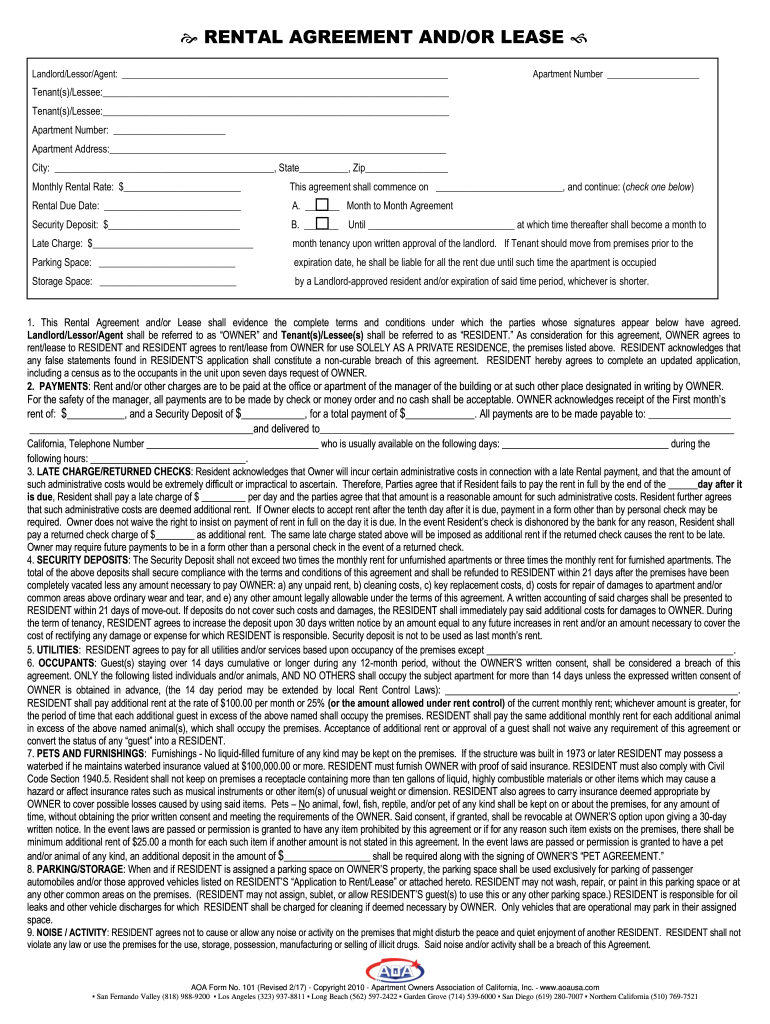
Get the free California Residential Lease Agreement
We are not affiliated with any brand or entity on this form

Fill out
Complete the form online in a simple drag-and-drop editor.

eSign
Add your legally binding signature or send the form for signing.

Share
Share the form via a link, letting anyone fill it out from any device.

Export
Download, print, email, or move the form to your cloud storage.
Why pdfFiller is the best tool for your documents and forms


End-to-end document management
From editing and signing to collaboration and tracking, pdfFiller has everything you need to get your documents done quickly and efficiently.
Accessible from anywhere
pdfFiller is fully cloud-based. This means you can edit, sign, and share documents from anywhere using your computer, smartphone, or tablet.
Secure and compliant
pdfFiller lets you securely manage documents following global laws like ESIGN, CCPA, and GDPR. It's also HIPAA and SOC 2 compliant.
What is CA Rental Lease
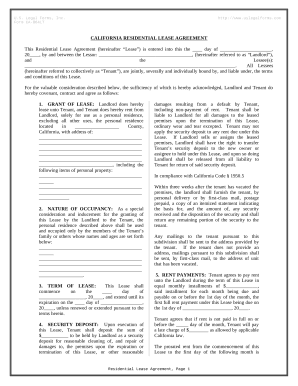
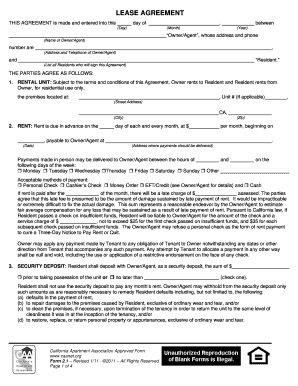
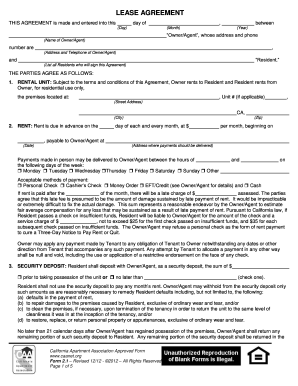
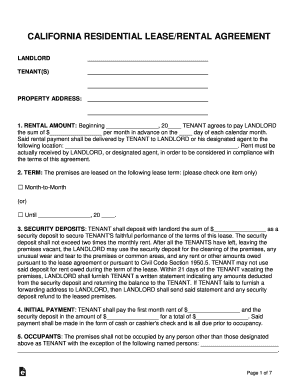
The California Residential Lease Agreement is a legal document used by landlords and tenants to outline the terms of renting residential property in California.
pdfFiller scores top ratings on review platforms




MADE IT EASIER FOR MY TEACHER AND CLASSMATES
I absolutely love it. Very convenient and easy to use.
Who needs CA Rental Lease?
Explore how professionals across industries use pdfFiller.

CA Rental Lease is needed by:
-
Landlords or property owners renting their properties in California
-
Tenants seeking to rent residential properties
-
Real estate agents managing rental agreements
-
Property management companies overseeing leasing processes
-
Investors purchasing rental properties in California
Comprehensive Guide to CA Rental Lease
What is the California Residential Lease Agreement?
The California Residential Lease Agreement is a legal document crucial for defining the terms and conditions under which a landlord agrees to rent a property to a tenant. This agreement outlines not only the rental parameters but also clearly delineates the responsibilities of both landlords and tenants. Understanding the significance of adhering to California laws and regulations ensures that both parties maintain their rights and obligations effectively throughout the rental period.
Purpose and Benefits of the California Residential Lease Agreement
The California Residential Lease Agreement serves vital functions for both landlords and tenants. Firstly, it establishes clear terms and conditions for renting property, minimizing ambiguity. Secondly, it is designed to protect the rights and responsibilities of both parties involved in the leasing process. Furthermore, having an agreement in place creates a structured framework for resolving disputes that may arise based on the agreed terms.
Key Features of the California Residential Lease Agreement
Several essential elements are included in the California Residential Lease Agreement. These features typically encompass rental rates, security deposits, and detailed lease terms. Additionally, the agreement specifies the responsibilities related to property maintenance and outlines payment schedules. To facilitate ease of use, the document also contains blank fields and clear instructions for customization, ensuring that both parties can tailor the agreement to their specific needs.
Who Needs the California Residential Lease Agreement?
The California Residential Lease Agreement is primarily used by two groups: landlords or property managers and tenants. Landlords and property managers utilize this documentation to formalize rental arrangements and ensure compliance with legal requirements. Conversely, tenants often seek out standardized rental agreements to protect their interests and clarify expectations. This lease agreement is necessary for compliance with both state and local regulations in a variety of renting scenarios.
How to Fill Out the California Residential Lease Agreement Online
Filling out the California Residential Lease Agreement online is straightforward, especially with the use of platforms like pdfFiller. To begin, users should follow these steps:
-
Input the names and addresses of both parties involved in the agreement.
-
Detail the financial information, including the monthly rental rate and security deposit.
-
Complete checkboxes that specify terms, such as pet policies or maintenance responsibilities.
-
Add signatures as required in the designated lines at the end of the document.
By understanding these components, users can navigate the lease form effectively and avoid common pitfalls in the process.
Common Errors and How to Avoid Them in the California Residential Lease Agreement
When completing the California Residential Lease Agreement, users may encounter several common errors. Frequent mistakes include leaving blank fields, incorrect information regarding landlord or tenant details, and missing signatures. It is crucial to review all information meticulously before submitting the agreement. Implementing tips for thorough verification can ensure that all necessary fields are correctly filled out, maintaining both parties’ protections.
How to Sign the California Residential Lease Agreement
Signing the California Residential Lease Agreement can be done through both traditional and digital methods. Digital signatures have become increasingly popular and are legally recognized in California. To complete the signing process electronically using pdfFiller, users can simply log in, select the signature option, and follow the prompts to finalize the agreement. Understanding these processes is essential for ensuring the legal validity of the signed document.
Where to Submit the California Residential Lease Agreement
After completing the California Residential Lease Agreement, users must know where and how to submit it. This may include physical submission to the landlord or property manager and uploading through electronic platforms that comply with state regulations. It is also important to retain copies of the submitted documents for personal records and to be aware of any specific filing rules or deadlines imposed by local authorities.
Security and Compliance for the California Residential Lease Agreement
Users can feel reassured about the safety of their information when using the California Residential Lease Agreement. Platforms like pdfFiller employ robust security measures, including 256-bit encryption, ensuring a secure process throughout. Furthermore, compliance with relevant state and federal laws, such as HIPAA and GDPR, underscores the importance of protecting sensitive information contained within lease agreements.
Prepare to Get Started with Your California Residential Lease Agreement
Getting started with your California Residential Lease Agreement using pdfFiller is practical and straightforward. The platform offers various capabilities for editing and eSigning the agreement while ensuring easy access and convenience for users. By leveraging these resources, you can efficiently manage your lease agreement needs, enabling a smooth rental experience.
How to fill out the CA Rental Lease
-
1.Access pdfFiller and log in to your account. Search for 'California Residential Lease Agreement' in the form library.
-
2.Once you find the form, click to open it in the pdfFiller editor where you can easily customize it.
-
3.Review all fields within the form that require completion, such as names, addresses, rental terms, and signatures.
-
4.Before filling out the form, gather all necessary documentation, including identification, rental terms, and payment information.
-
5.Use the text boxes in pdfFiller to enter information directly. Click on each field to edit it, ensuring all entries are accurate and complete.
-
6.If needed, add comments or highlight sections by using pdfFiller's annotation tools to clarify any terms or conditions.
-
7.After entering all information, carefully review the completed form for any errors or omissions. Ensure all details are correct before proceeding.
-
8.Once you are satisfied, save your form within pdfFiller. You can also choose to download it as a PDF or submit it directly through the platform.

Who needs to sign the California Residential Lease Agreement?
Both the landlord or property owner and the tenant are required to sign the California Residential Lease Agreement. This ensures that both parties agree to the terms specified within the document.
What information is required to complete the lease agreement?
To complete the California Residential Lease Agreement, you will need names, contact information, rental property address, rental amount, security deposit details, and relevant lease terms. Ensure you have all necessary details ready for accuracy.
Is notarization required for this lease agreement?
No, notarization is not required for the California Residential Lease Agreement. However, both parties must sign the document to make it legally binding.
What are common mistakes to avoid when filling out the lease agreement?
Common mistakes include incomplete fields, incorrect names or addresses, and overlooking required signatures. Double-check all information before finalizing the agreement to prevent disputes.
Can the lease agreement be modified after signing?
Yes, modifications to the California Residential Lease Agreement can be made, but they must be agreed upon by both parties. Any changes should be documented in writing and signed by both the landlord and tenant.
What happens if either party wants to terminate the lease early?
Termination conditions outlined in the lease agreement dictate protocols for early termination. Typically, notice must be given as per the agreement and may involve penalties or loss of the security deposit.
How can I obtain a copy after filling out the lease agreement?
After completing the California Residential Lease Agreement on pdfFiller, you can save a copy to your device, download it as a PDF, or submit it directly through the platform for sharing with the involved parties.
Related Content
Related Forms



Related Catalogs
Get the latest insights from our blog


If you believe that this page should be taken down, please follow our DMCA take down process
here
.
This form may include fields for payment information. Data entered in these fields is not covered by PCI DSS compliance.